
From prompt to screen flow
Describe the product once. Vistui plans the journey and lays screens out on your canvas.
Agentic chat
Premium fitness app with calm onboarding and a clear home dashboard…
App flow
Open canvas
Tell us what your app is. We design the screens so they all look like one product.
3 free credits · no card required
Real product flows, shared publicly by makers on Vistui.
Browse showcasePlan screens in chat, generate AI previews on a canvas, then share or export — without pretending to be a full design editor.
Describe the product once. Vistui plans the journey and lays screens out on your canvas.
Agentic chat
Premium fitness app with calm onboarding and a clear home dashboard…
Ask for more screens, a new direction, or fresh previews — generation stays tied to your project canvas.
PulseFit flow
8 screensAgentic chat · Website
Agentic flows for products, Showcase boards, or Manual chat for one-off images.
Structure a full journey, or generate variations with type, size, and count.
Agentic chat
Plan full product flows
Manual chat
Type · size · count
Try free, then upgrade when you need more previews and regenerates.
Free trial
3 credits1 credit = 1 screen preview. Upgrade for regenerates and monthly refill.
Open any screen full-size, publish a public link, download ZIP or PDF, or Export to Figma with the Vistui plugin.
Chat on the left, screens on the right — delete, regenerate, and keep shipping the idea.
Plans and Pricing
Start with 3 free credits (1 credit = 1 screen preview), then pick a monthly package with credits / month.
Unlimited projects · light regenerates
$8USD / month
Unlimited projects · regular use
$20USD / month
Unlimited projects · heavy volume
$30USD / month
No. Vistui is design-first: plan multi-screen flows in chat, generate AI screen previews on a canvas, then share or export (PNG, JPG, SVG, ZIP, PDF).
Figma is the canvas you design in; Galileo and similar AI tools often shine on a single polished screen. Vistui is built for the full product journey — one prompt becomes a multi-screen flow with a shared design system, so every screen stays connected and export-ready for Figma.
Yes. From the canvas, choose Download → Export to Figma to get a short-lived code, then paste it into the Vistui Figma plugin to place screens as frames. You can also download PNG, JPG, SVG, and PDF packages.
Yes. You steer direction in chat, pick platform and screen count, regenerate screens, and reset style on paid plans.
Real product flows, shared publicly by makers on Vistui.
Browse showcase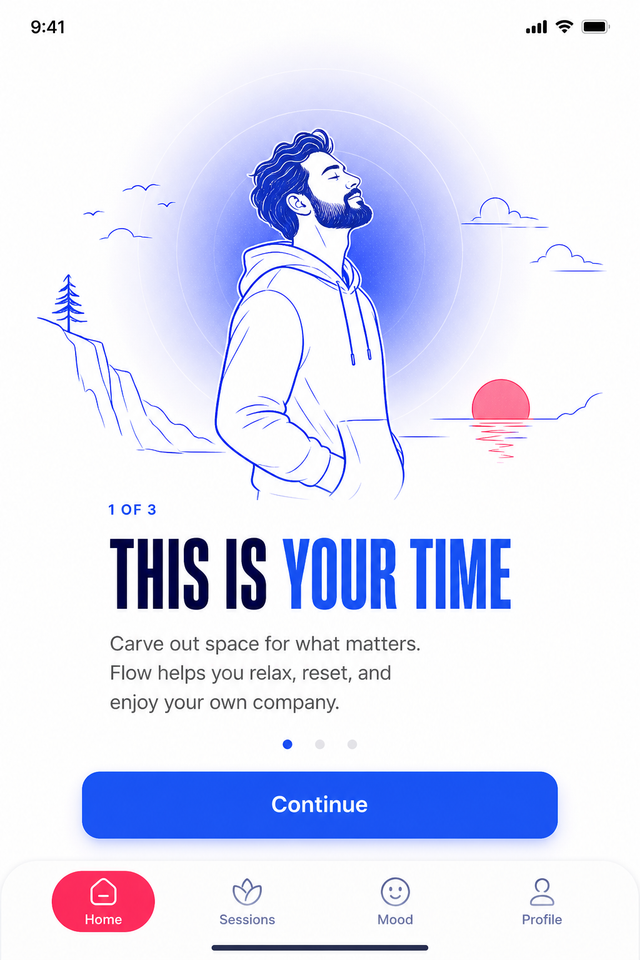
Men's Solo Wellness App
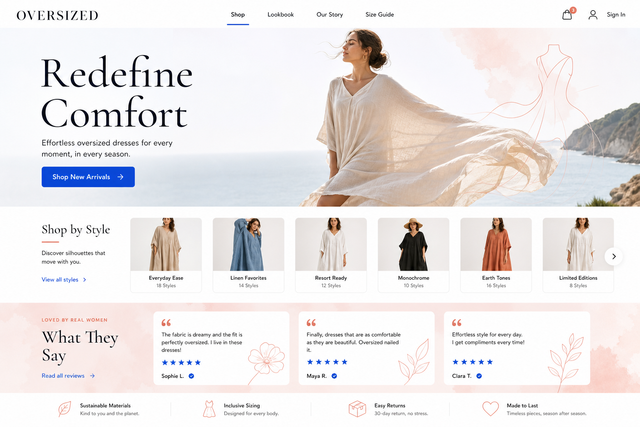
Women's Oversized Dresses Boutique
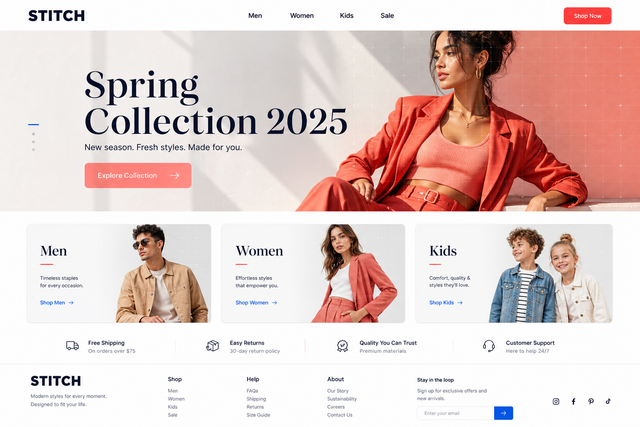
Modern Clothing Ecommerce
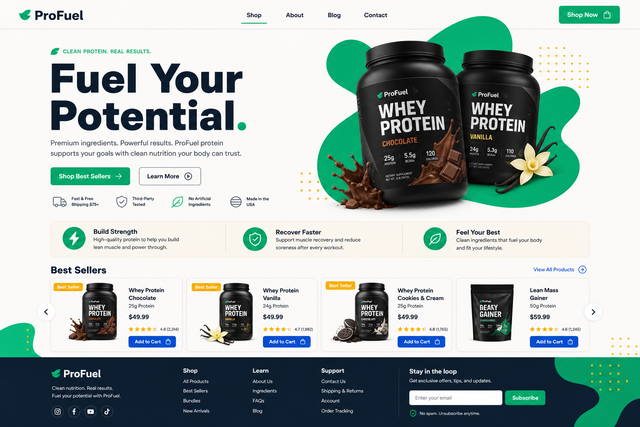
Protein Supplements Ecommerce
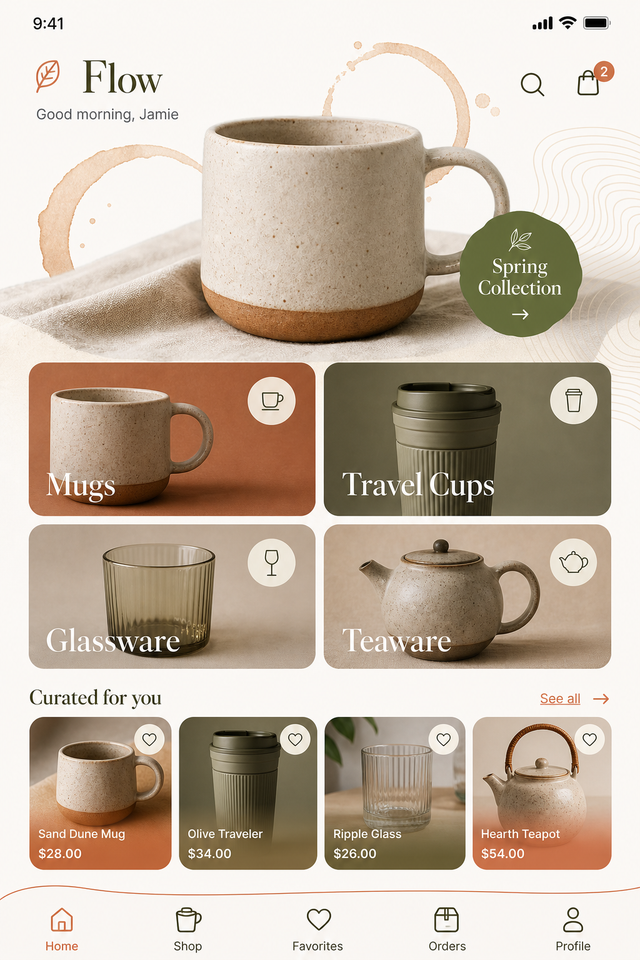
Cup Selling App
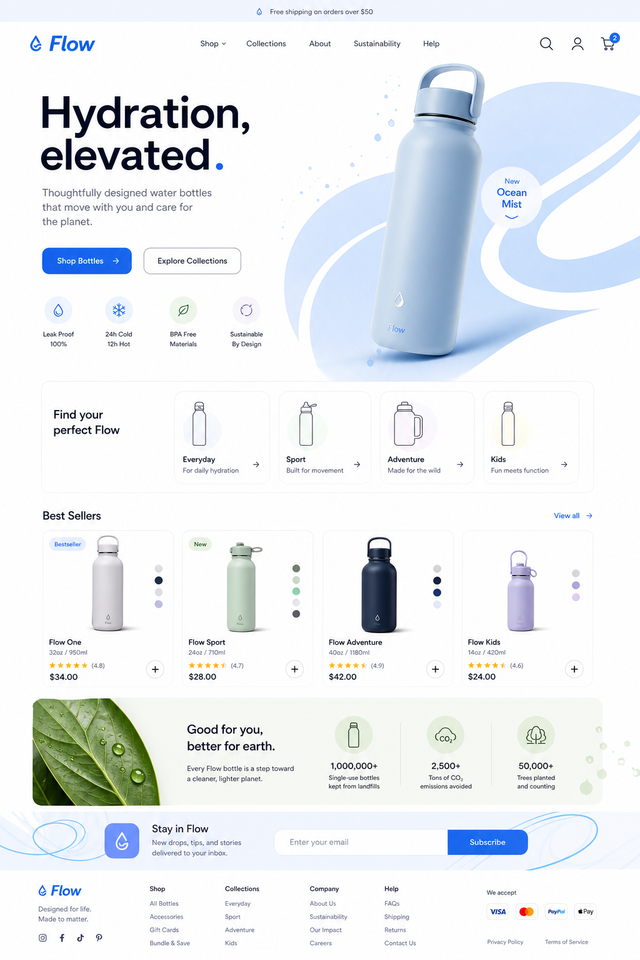
Water Bottle Ecommerce Website
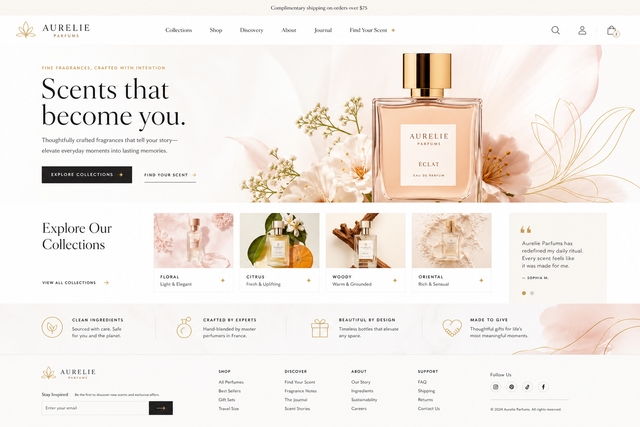
Perfume Discovery Website
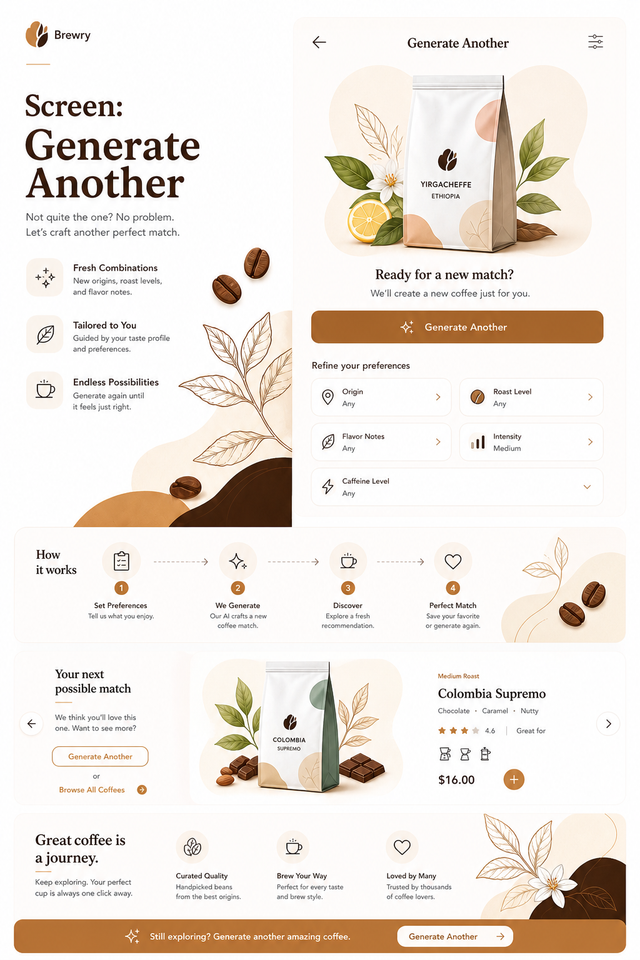
Artisan Coffee App
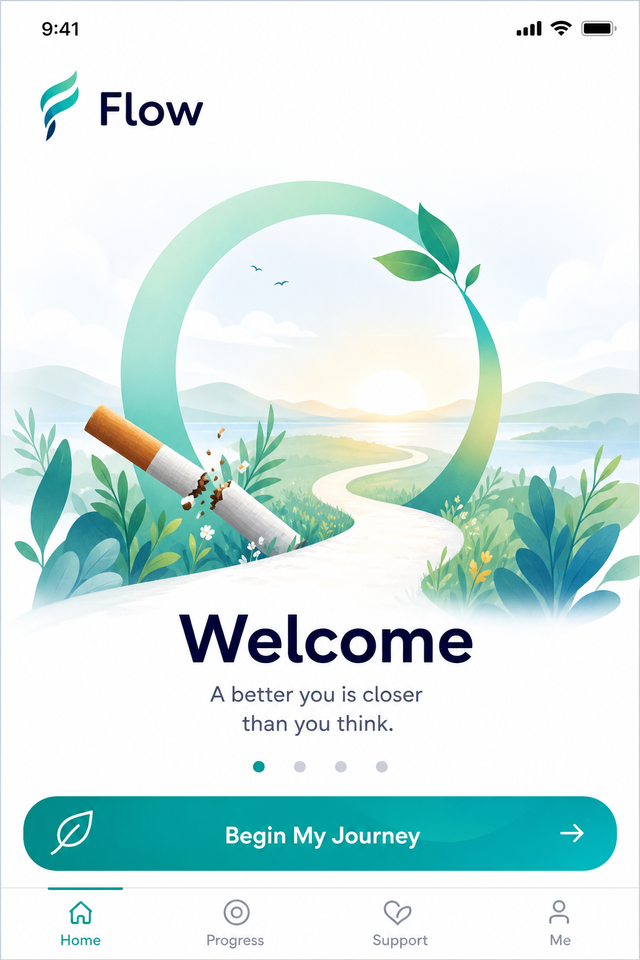
All-in-One Quit Smoking App
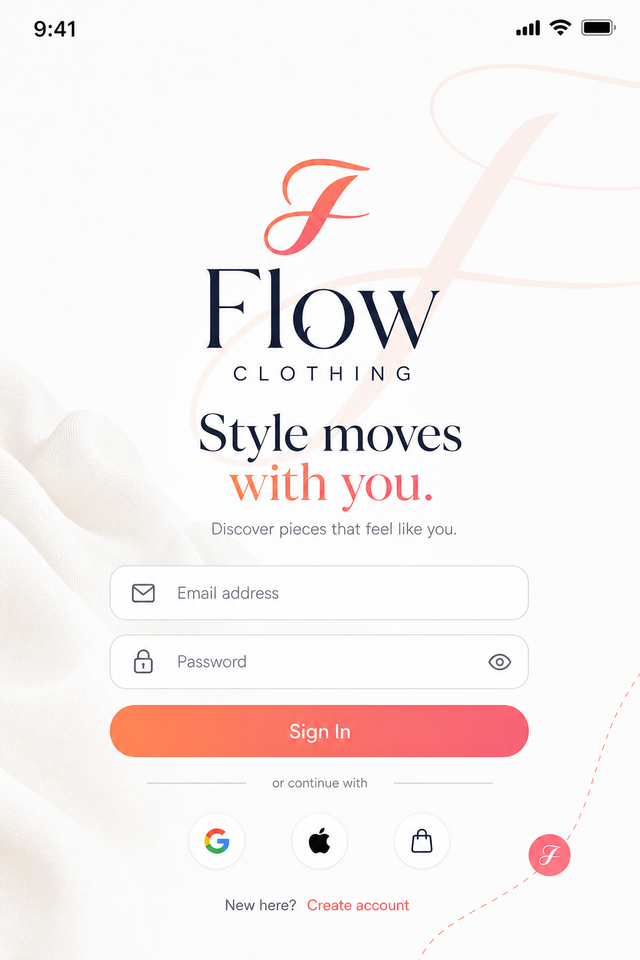
Clothing Ecommerce App Flow
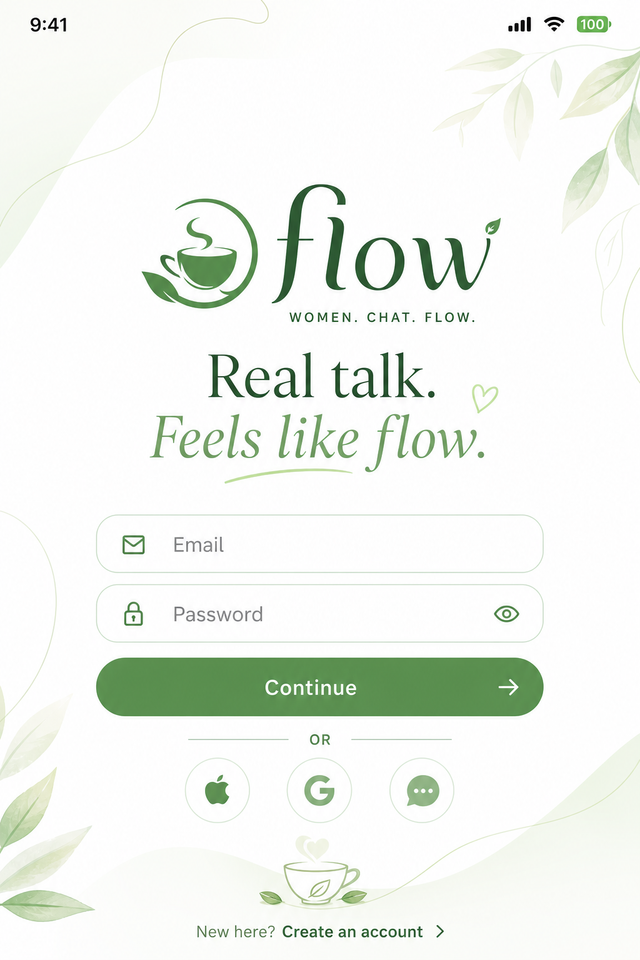
Women's Chat App
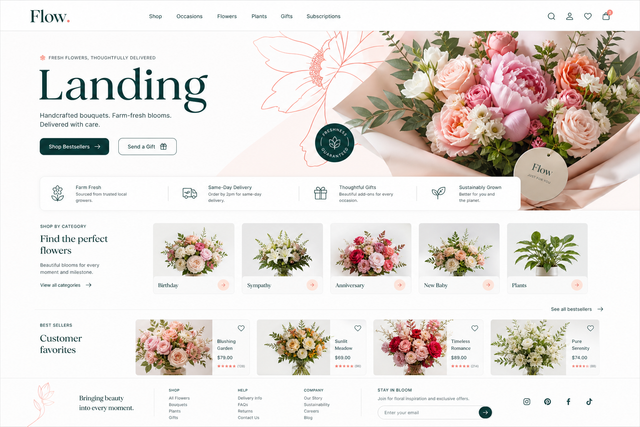
Plant Design Studio Flow
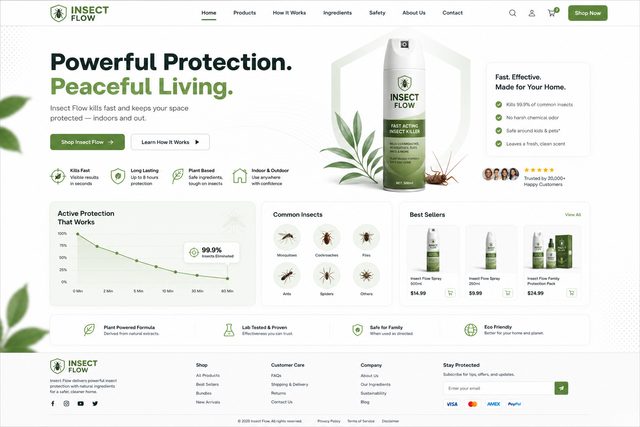
Insects Spray Website
Men's Solo Wellness App
Women's Oversized Dresses Boutique
Modern Clothing Ecommerce
Protein Supplements Ecommerce
Cup Selling App
Water Bottle Ecommerce Website
Perfume Discovery Website
Artisan Coffee App
All-in-One Quit Smoking App
Clothing Ecommerce App Flow
Women's Chat App
Plant Design Studio Flow
Insects Spray Website